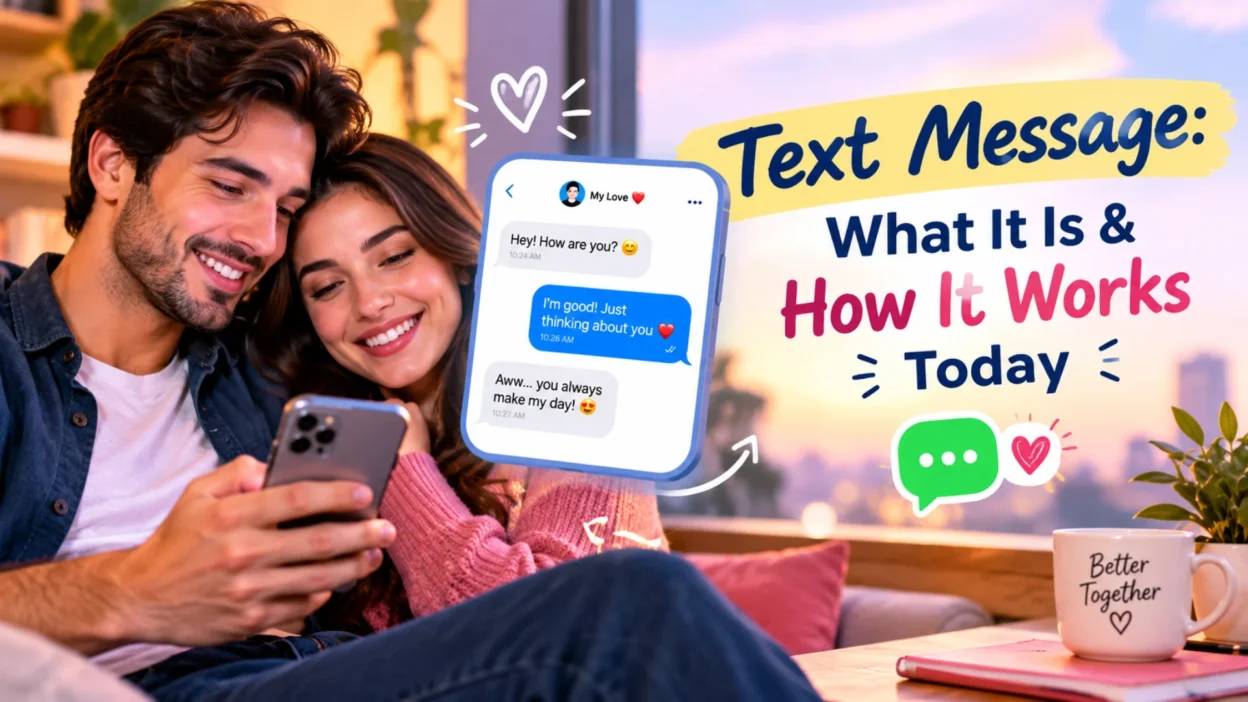
You send text messages every day without thinking twice about them. You type a few words, hit send, and the message arrives on someone else’s phone within seconds. It feels simple, but there’s actually a lot happening behind the scenes. Several different technologies power what we casually call “texting,” and knowing the difference can change how you use your phone.
A text message is any short written communication sent between mobile devices. That definition covers a lot of ground. It includes old-school SMS, picture messaging through MMS, the newer RCS standard, and Apple’s iMessage. Each one works differently, offers different features, and has different limitations. This guide breaks down what a text message actually is, how the different types work, and why it matters for your everyday communication.
What Is a Text Message?
A text message is a written communication sent electronically from one mobile device to another. The term most commonly refers to SMS, which stands for Short Message Service. SMS launched in 1992 and became the foundation of mobile communication for the next three decades.
The original SMS standard had strict limitations. It capped messages at 160 characters and supported only plain text. That’s why early texting culture developed its own shorthand language—”LOL,” “BRB,” and “TTYL” existed because people needed to fit their thoughts into tiny character counts.
Today, the word “text message” covers much more. When you send a photo, a video, or a long paragraph to someone’s phone, you’re still texting in the everyday sense, even though the underlying technology has changed.
The Four Types of Text Messages
Modern phones use several different protocols for texting. Each one has its own strengths and limitations.
SMS (Short Message Service)
SMS is the original text messaging standard. It sends plain text messages up to 160 characters over the cellular network’s control channels. SMS doesn’t require an internet connection, which makes it incredibly reliable. It works on every mobile phone ever made, regardless of carrier or operating system.
The tradeoffs are significant. SMS messages carry no encryption, so carriers and potentially third parties can read them. There’s no way to send photos, videos, or emojis beyond basic characters. And there’s no read receipt or typing indicator.
MMS (Multimedia Messaging Service)
MMS extends SMS to support media. You can send photos, videos, audio files, and longer text through MMS. When you text a picture to someone, you’re using MMS.
The problem with MMS is compression. Carriers compress media files heavily to keep them small, which often turns a clear photo into a blurry mess. MMS also requires a data connection, unlike SMS. Group messaging through MMS is notoriously unreliable, often creating separate threads for each recipient.
RCS (Rich Communication Services)
RCS is the modern replacement for SMS and MMS. It uses your internet connection instead of the cellular control channels, which removes most of the old limitations. You can send full-resolution photos, videos up to 100 MB, and longer messages without character limits.
RCS also adds features that SMS never had. Read receipts show when someone has seen your message. Typing indicators show when they’re composing a reply. Group chats work properly. Message reactions and inline replies are supported.
On iPhone, RCS messages appear in green bubbles with a “Text Message • RCS” label. On Android, they appear in Google Messages with a “Chat message” indicator.
iMessage
iMessage is Apple’s proprietary messaging service. It works only between Apple devices and appears in blue bubbles. iMessage is end-to-end encrypted by default, meaning Apple and third parties cannot read your conversations.
iMessage supports all the rich features: read receipts, typing indicators, high-resolution media, Tapbacks, message effects, Memoji, and more. It doesn’t count against your SMS allowance because it uses your data connection.
The catch is that iMessage only works with other Apple users. When you text an Android user, your iPhone falls back to SMS or RCS.
How Text Messages Travel
Understanding how messages get from your phone to someone else’s helps explain why some texts fail and others succeed.
SMS messages travel over the cellular network’s signaling channels. These are the same channels your phone uses to communicate with cell towers for calls and network management. Because SMS uses signaling channels rather than data, it works even when you have no data connection. That’s why SMS remains the most reliable way to reach someone in an emergency.
RCS and iMessage work differently. They use your internet connection—either Wi-Fi or mobile data—to send messages. This is what allows them to support rich media and advanced features. The tradeoff is that they require an active data connection. If you lose signal entirely, RCS and iMessage messages won’t send until you reconnect.
MMS falls somewhere in between. It requires a data connection but travels through the carrier’s multimedia system rather than the open internet.
Why Text Messaging Still Matters
Despite the rise of apps like WhatsApp, Signal, and Telegram, native text messaging remains essential. Here’s why.
Universal Reach
SMS works on every mobile phone in existence. You don’t need to know what device someone uses, what apps they have installed, or what operating system they prefer. If you have their phone number, you can text them. No other messaging platform offers that level of universal compatibility.
No Account Required
Unlike messaging apps, SMS doesn’t require you to create an account, verify your identity, or agree to terms of service. Your phone number is your identity. This simplicity makes texting accessible to everyone, from young children to older people users.
Emergency Reliability
When cellular data fails or Wi-Fi goes down, SMS still works as long as you have a signal. Emergency services, public safety alerts, and two-factor authentication codes all rely on SMS for this reason. It’s the most dependable way to reach someone when other channels fail.
Business Communication
Businesses still rely heavily on SMS for appointment reminders, delivery notifications, and customer service. RCS is expanding what businesses can do through messaging, but SMS remains the foundation.
Common Text Messaging Problems
Text messages don’t always work perfectly. Here are the most common issues people encounter.
Messages won’t send: Usually caused by weak signal, a corrupted app cache, or a carrier outage. Restarting your phone or clearing the messaging app’s cache often fixes it.
Green bubbles on iPhone: Green bubbles mean you’re using SMS or RCS instead of iMessage. This happens when the recipient doesn’t have an Apple device or iMessage is unavailable.
Delayed delivery: RCS and iMessage require a data connection. If either party is offline, messages queue until connectivity returns.
Duplicate messages: Sometimes carriers or messaging apps deliver the same message twice. This is usually a temporary glitch.
Messages from unknown numbers: These are often scams. Never reply, never click links, and report them as spam.
Text Messaging Etiquette
A few simple habits make texting better for everyone.
Keep it brief. Text messages aren’t emails. Long paragraphs are hard to read on a small screen.
Don’t expect instant replies. People have lives outside their phones. If someone doesn’t respond immediately, give them time.
Avoid texting during conversations. It’s rude to the person in front of you.
Be careful with tone. Text lacks vocal inflection and facial expression. Sarcasm and jokes can easily be misread. Use emojis or clarify when needed.
Don’t text sensitive information. SMS isn’t encrypted. Never send passwords, credit card numbers, or personal identification through standard text messages.
Ask before sending group texts. Not everyone wants to be in a group chat. Check with people first.
FAQs
What is a text message?
A text message is a written communication sent electronically between mobile devices. The term covers SMS, MMS, RCS, and iMessage, though SMS is the original and most basic form.
What’s the difference between SMS and a text message?
SMS is a specific type of text message. It’s the original standard that supports only plain text up to 160 characters. When people say “text message,” they usually mean SMS, but the term also covers newer standards like RCS and iMessage.
Why are my messages green instead of blue?
Green bubbles on iPhone mean your message uses SMS or RCS instead of iMessage. This happens when texting Android users or when iMessage is unavailable. Blue bubbles indicate iMessage.
Do text messages cost money?
SMS and MMS may count against your carrier plan’s messaging allowance. RCS and iMessage use your data connection instead, so they don’t count as SMS. If you’re on an unlimited plan, most texting is included.
Are text messages private?
SMS messages are not encrypted. Carriers and potentially third parties can access them. iMessage is end-to-end encrypted. RCS supports encryption only when both parties’ carriers support it and meet specific software requirements.
Can I send a text message without a phone signal?
SMS requires a cellular signal. RCS and iMessage require a data connection, which can come from Wi-Fi. If you have Wi-Fi but no cellular signal, you can still send RCS and iMessage texts, but not SMS.
Conclusion
Text messaging has evolved dramatically since the first SMS was sent in 1992. What started as a basic 160-character service has grown into a family of technologies—SMS, MMS, RCS, and iMessage—each offering different features and levels of security.
Understanding which type you’re using helps you make better decisions about what to send and how. SMS remains the most universal and reliable option, but it lacks encryption and media support. RCS brings modern features to cross-platform messaging but depends on carrier support. iMessage offers the best security and features for Apple users.
The next time you send a text, take a moment to notice what kind of message it actually is. The label on your screen—”Text Message,” “Text Message • RCS,” or a blue bubble—tells you exactly what’s happening behind the scenes.

Hamid Mehmood is a passionate content creator dedicated to making words, messages, and online expressions easy to understand. He enjoys creating clear, helpful content that helps readers discover meanings and communicate with confidence.